 Apps · Policies · Support
Capture or import
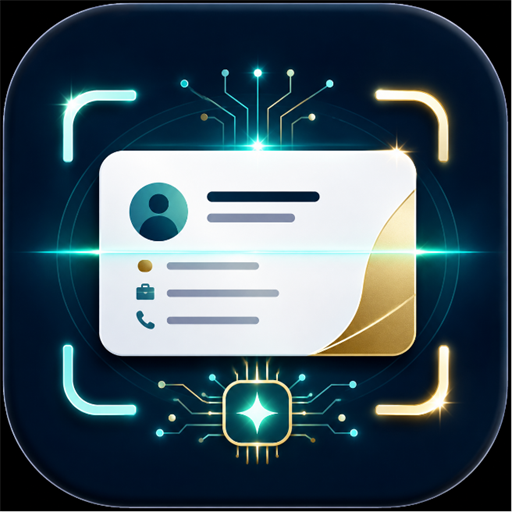
Photograph a business card or choose a saved card image.
 Official Android app on Google Play
Business cards · On-device AI OCR
Organize business cards with on-device AI OCR, review and edit the results, then save them in the app or system contacts.
Core workflow
Capture a card or import a saved image. On-device AI OCR organizes candidate details, and you review and edit them before saving.
Photograph a business card or choose a saved card image.
Check candidate names, companies, titles, phone numbers, email addresses, and addresses before saving.
Save in the app or system contacts, import contacts, share vCard or text, share your own card, and add reminders or notes.
Current release
VersionCode 86 is the current Google Play production release in Korea and Japan.
Languages and OCR
The same app provides Korean, Japanese, or English UI based on the device language. Japanese OCR and field extraction were improved before this release.
Data and advertising
The same app provides Korean, Japanese, or English UI based on the device language.
In v1.4.62, on the standard Home screen, one native ad appears below the empty-list message when no cards are saved. When cards are saved, one ad appears after every five cards and one at the end of the list, without duplicating an ad at the same position. During search, list ads are replaced by one anchored adaptive banner at the bottom of the screen. The banner remains even when there are no results and disappears when search is closed. No ads are shown in selection mode or during app launch or exit, capture, OCR review or editing, contact import, saving, or sharing.
Accepted summaries may be kept for up to 180 days, limited rejected-request metadata for up to 90 days, and audit history without original content for up to one year. Expired data is deleted automatically each day.